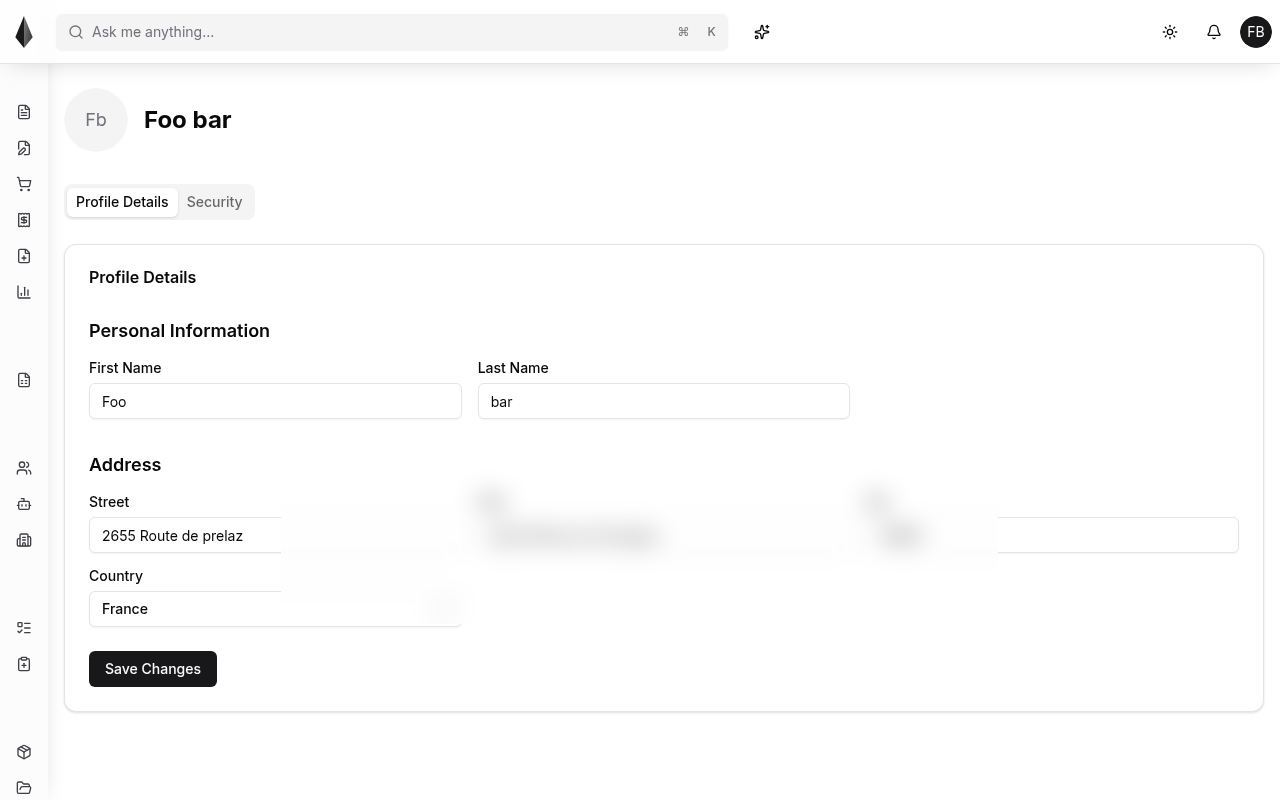
Personal information
Open your profile from the account menu to view and update personal details such as name, email, and address.
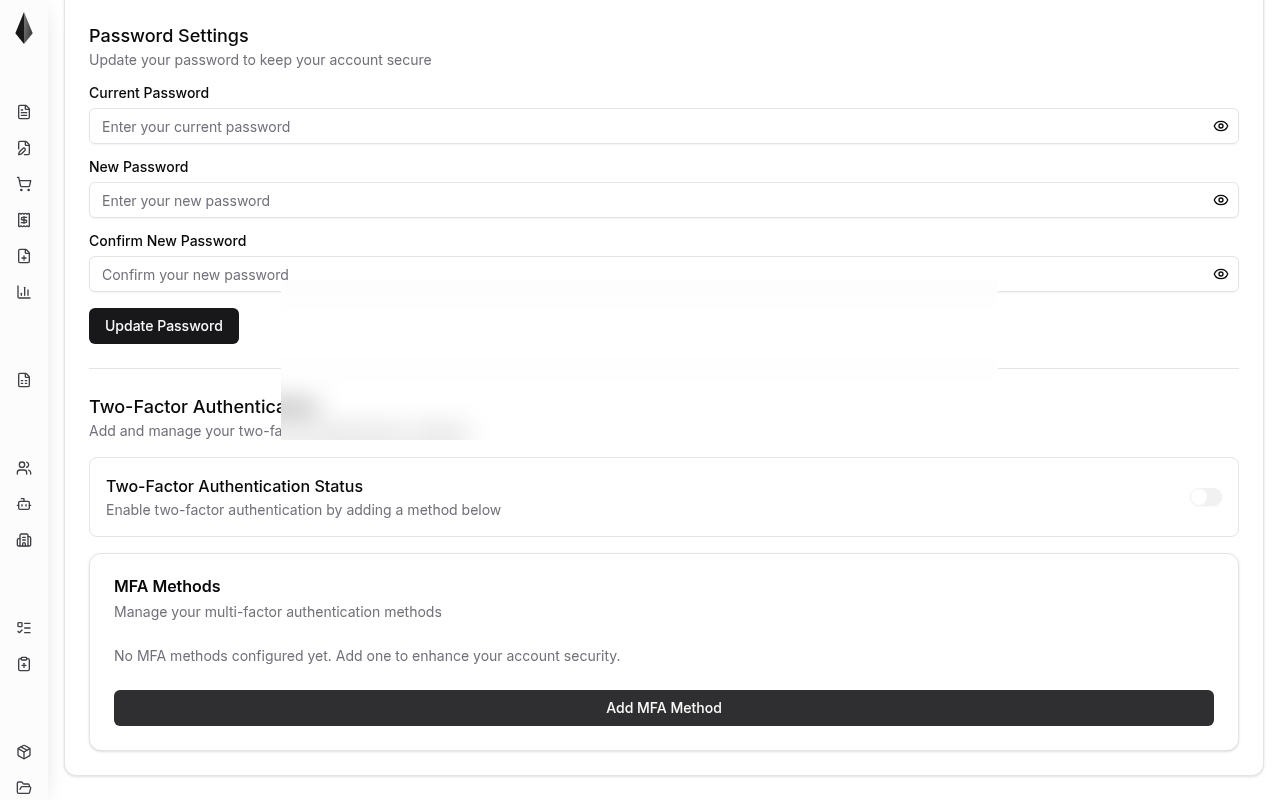
Security
Username, email, and password
You can change username or email on this page. To change your password, enter your current password first, then the new one.
If you forgot your password, use Forgot password on the login page (sign out first if you are already in the app).
Multi-factor authentication (MFA)
Enable MFA for an extra sign-in step. You need an authenticator app (for example Google Authenticator or Authy):
- Scan the QR code shown in Rune
- Enter the 6-digit code from the app to confirm