Agents
Agents are optional AI identities you configure for your organizations. They are a supporting capability—useful when you want a named agent with a model and instructions—not the center of day-to-day ERP work.
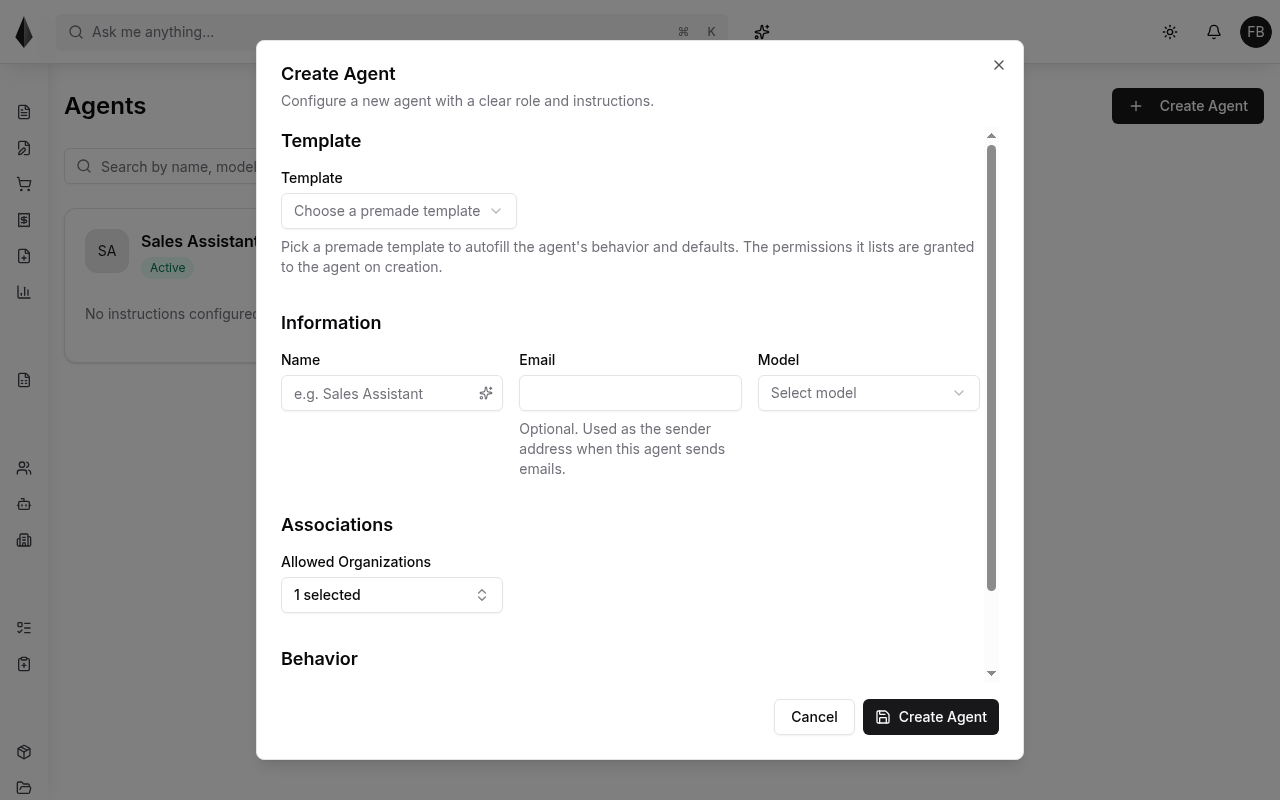
Create an agent
Use Create Agent to configure:
- Optional template (fills defaults and permissions on create)
- Name
- Optional email (used as sender when the agent sends email)
- Model (from models available via your [tenant LLM settings](../2.Account and settings/2.tenant-settings.md))
- Allowed organizations
- Behavior / instructions (further fields in the create form)
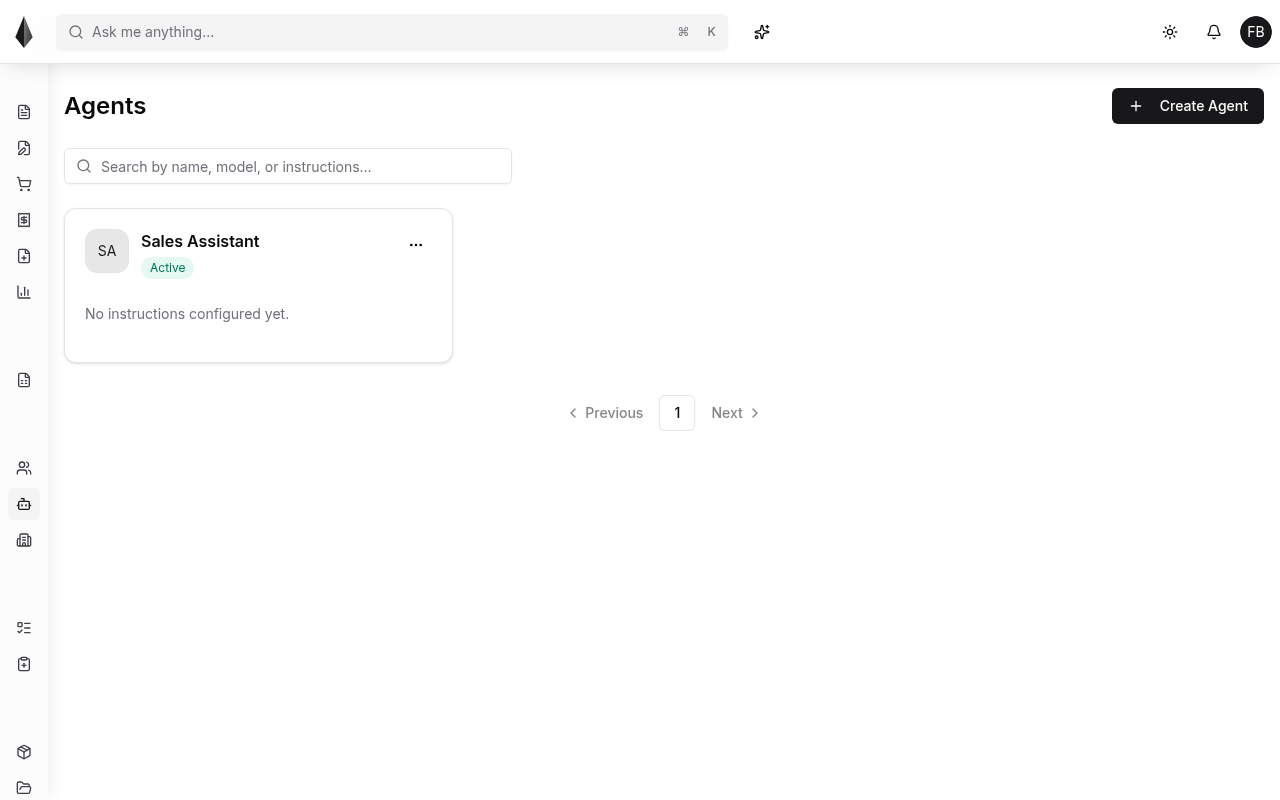
Manage agents
From the list you can open an agent, review status (for example Active), and adjust configuration. Control what an agent can do with [policies](../4.Rules and policies/2.policies.md), the same way you limit human users.
For interactive help while you work, see the AI Assistant.