Items
Items are the products in your catalog. Open the items list from the catalog area, choose an organization/category context, and manage rows from there.
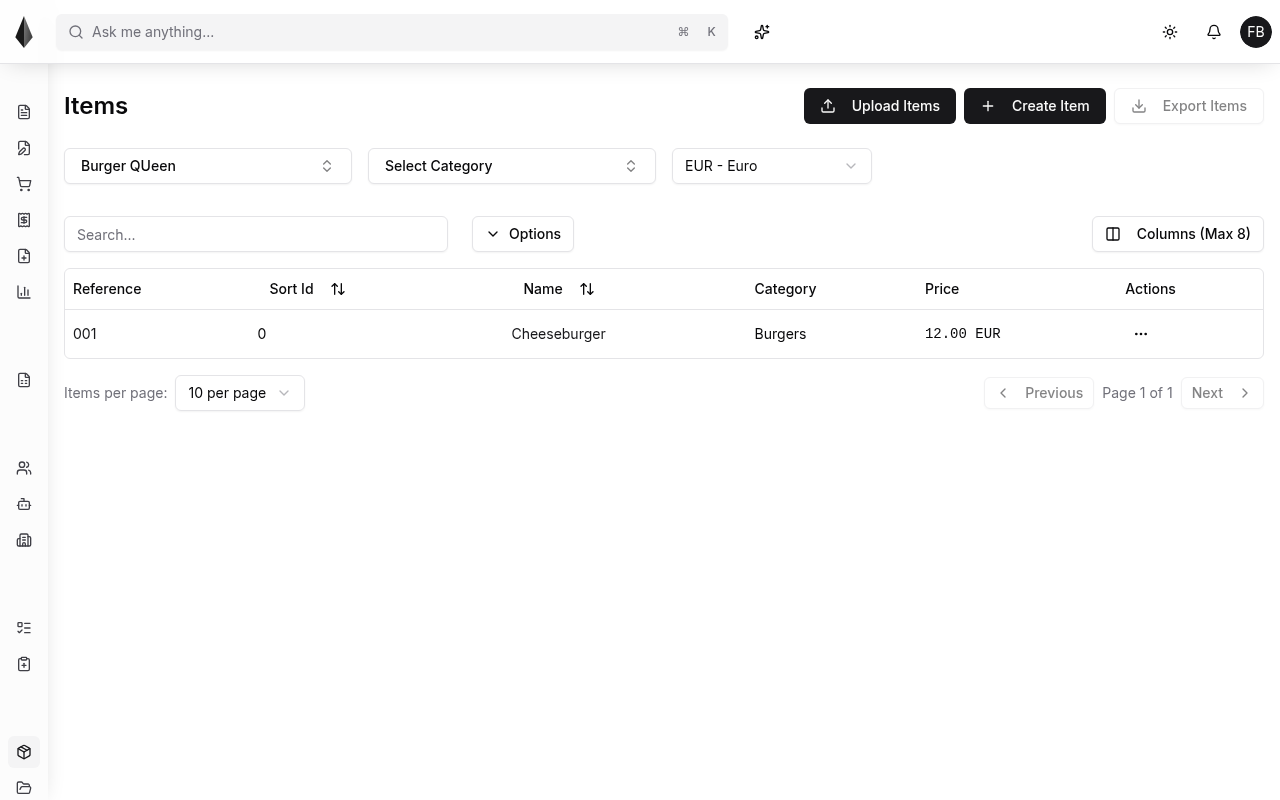
You can search, switch organization/category context, choose which columns to show, and sort (for example by sort id or name). Keep the column set readable—only a limited number of columns display at once.
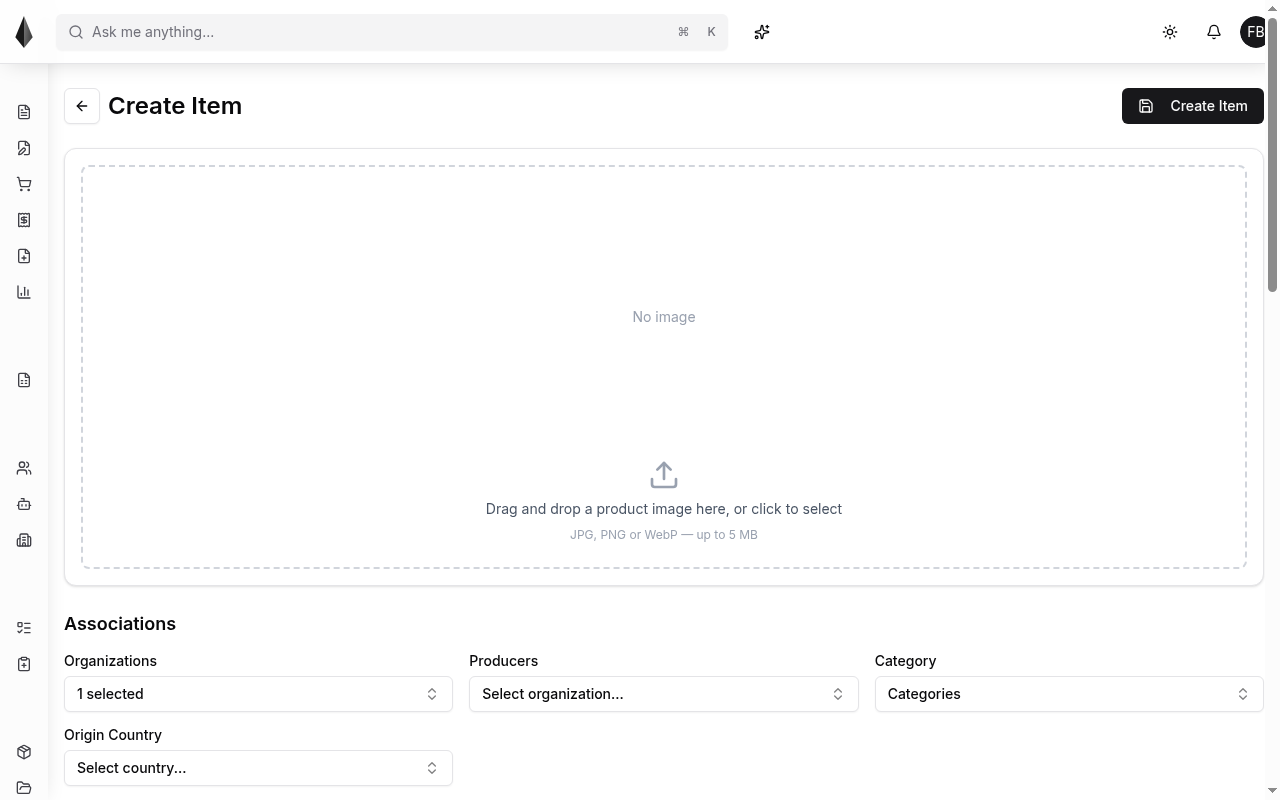
Create an item
Use Create Item and fill the required fields for your catalog (name, reference, and other mandatory fields shown in the form).
Export items (CSV)
Export items from the selected category context. In the export dialog you can optionally filter which items are included and choose which fields to export.
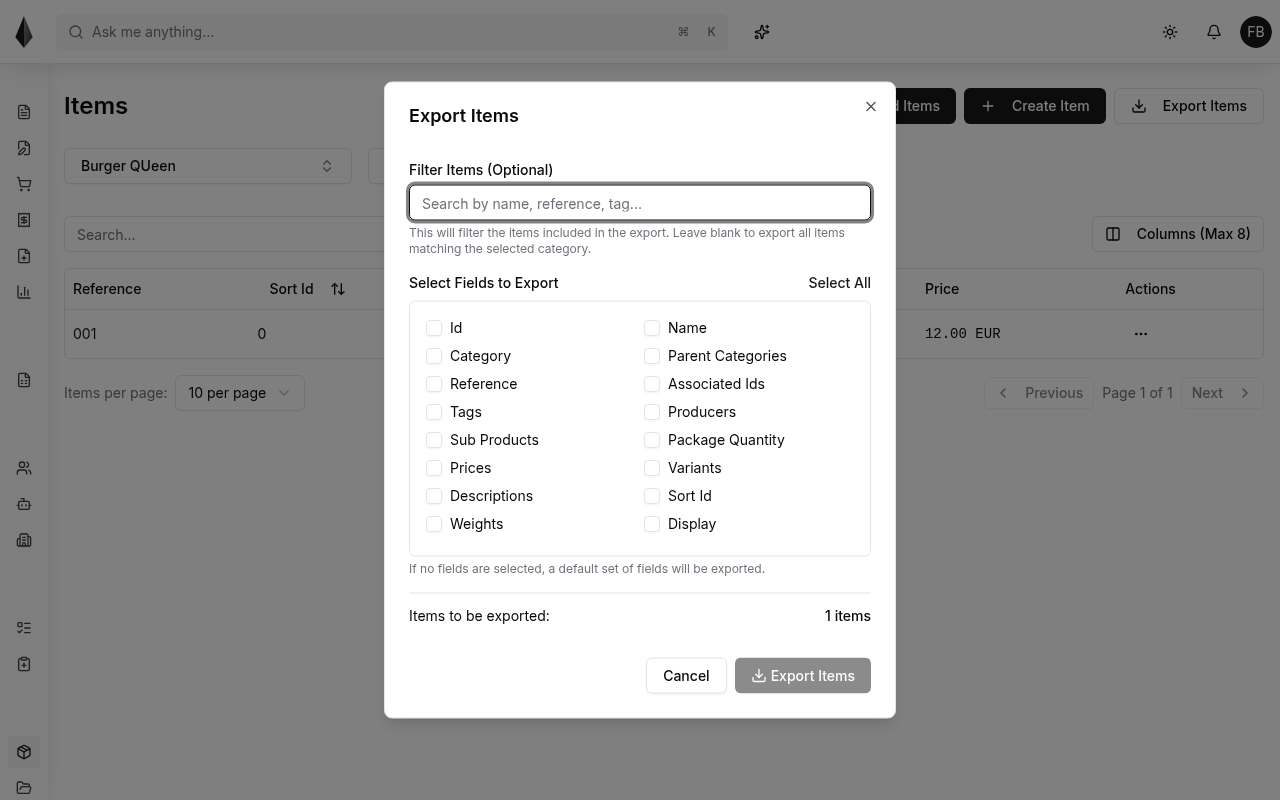
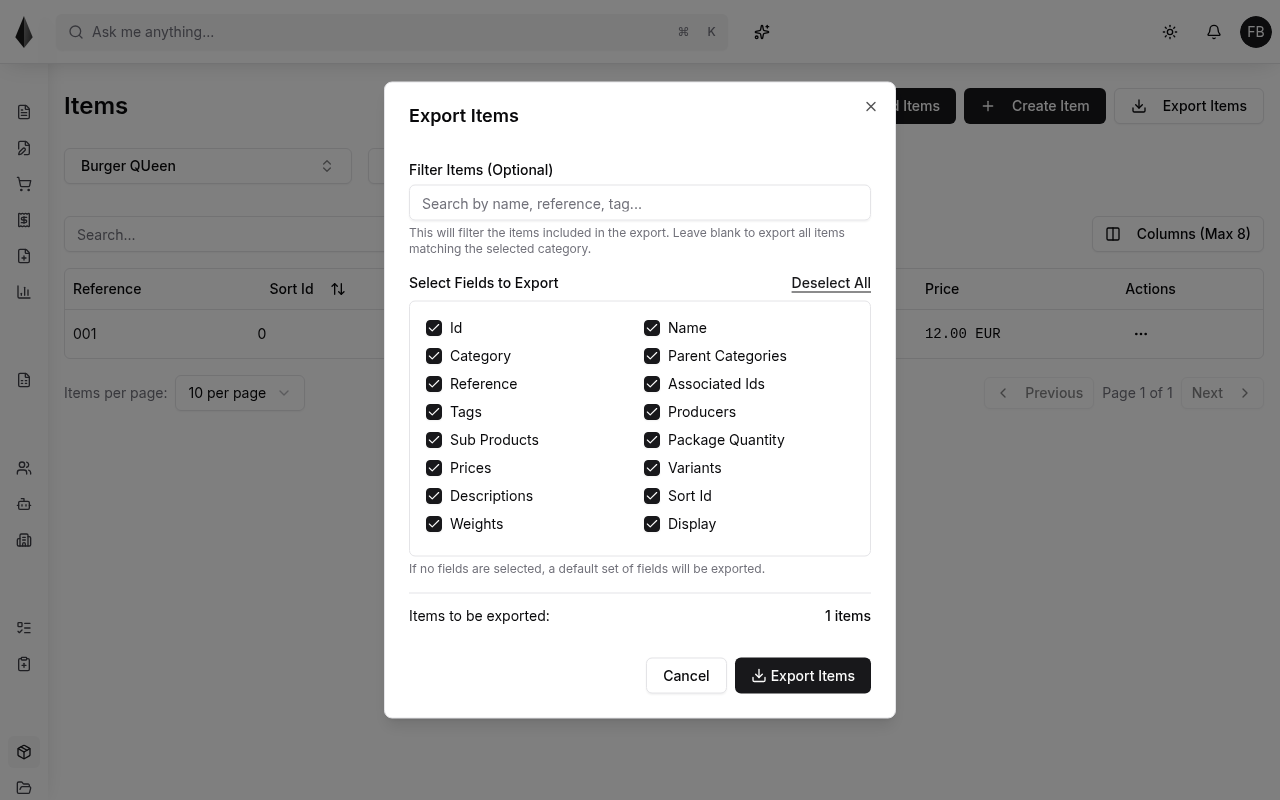
Rune exports items as CSV. There is no XLSX export option in the product.
If you leave field selection empty, Rune exports a default field set. Use Select All when you need every available column.
For bulk create/update via file, see Upload and update items.