Files and orders
Orders and related documents live under the orders/files area of Rune. The list shows order ids, status, buyer, subtotal, payment status, tags, and dates. You can filter, search, select rows, download PDFs, and export the selection.
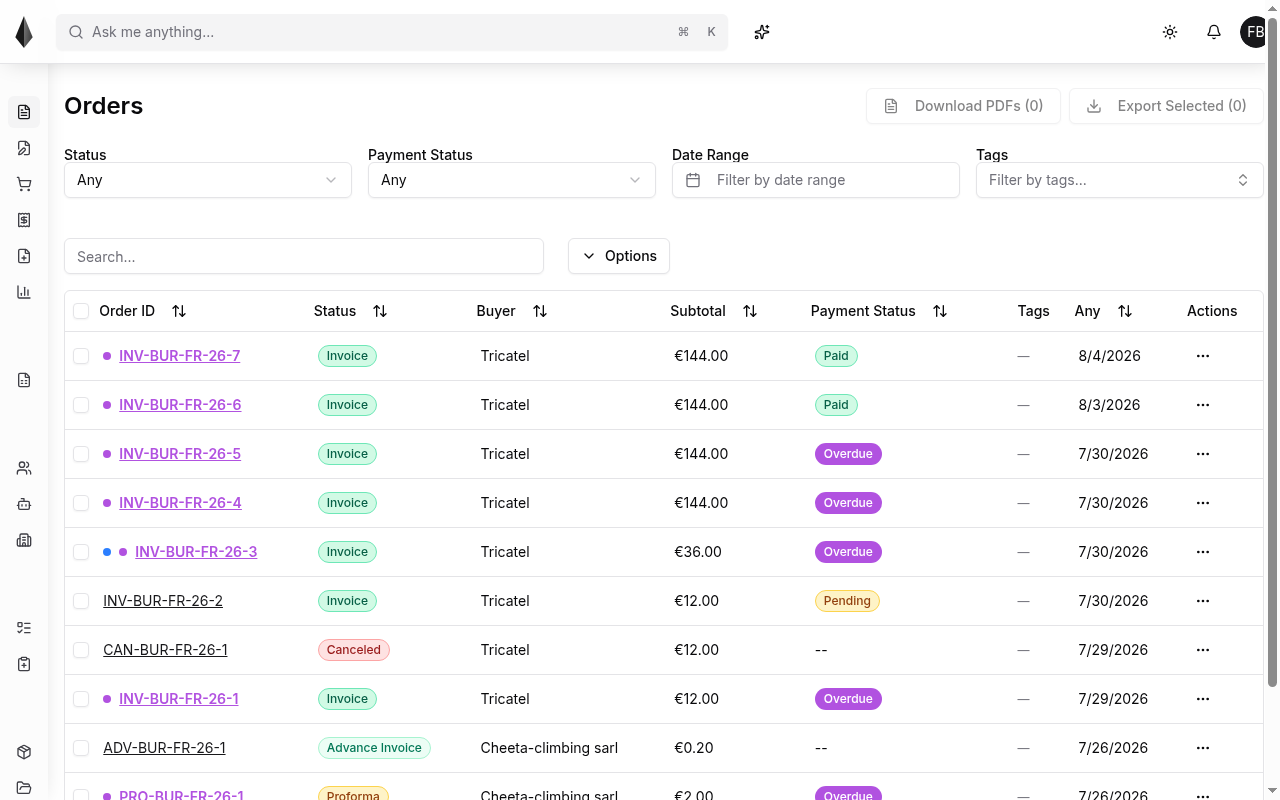
Filter by status
Use the Status filter to focus the list:
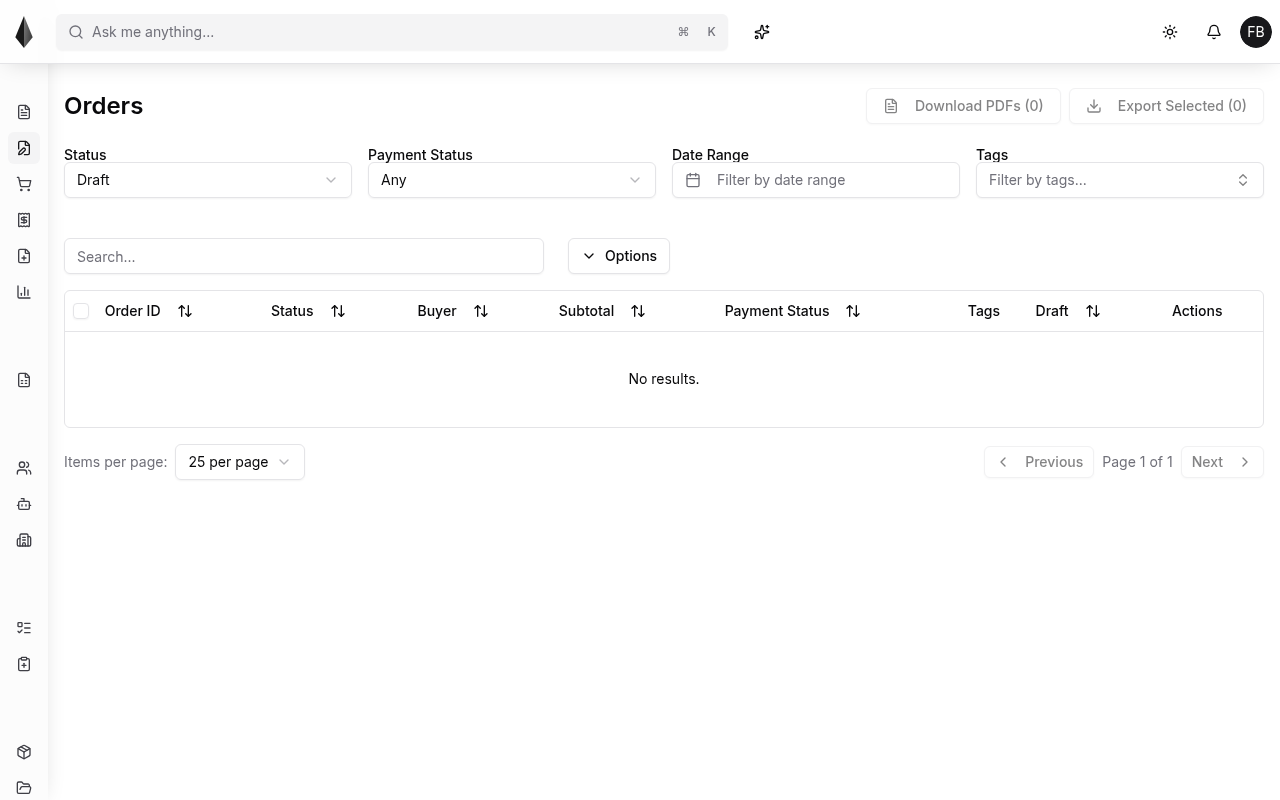
Drafts
Set status to Draft to see work in progress that is not yet a firm order.
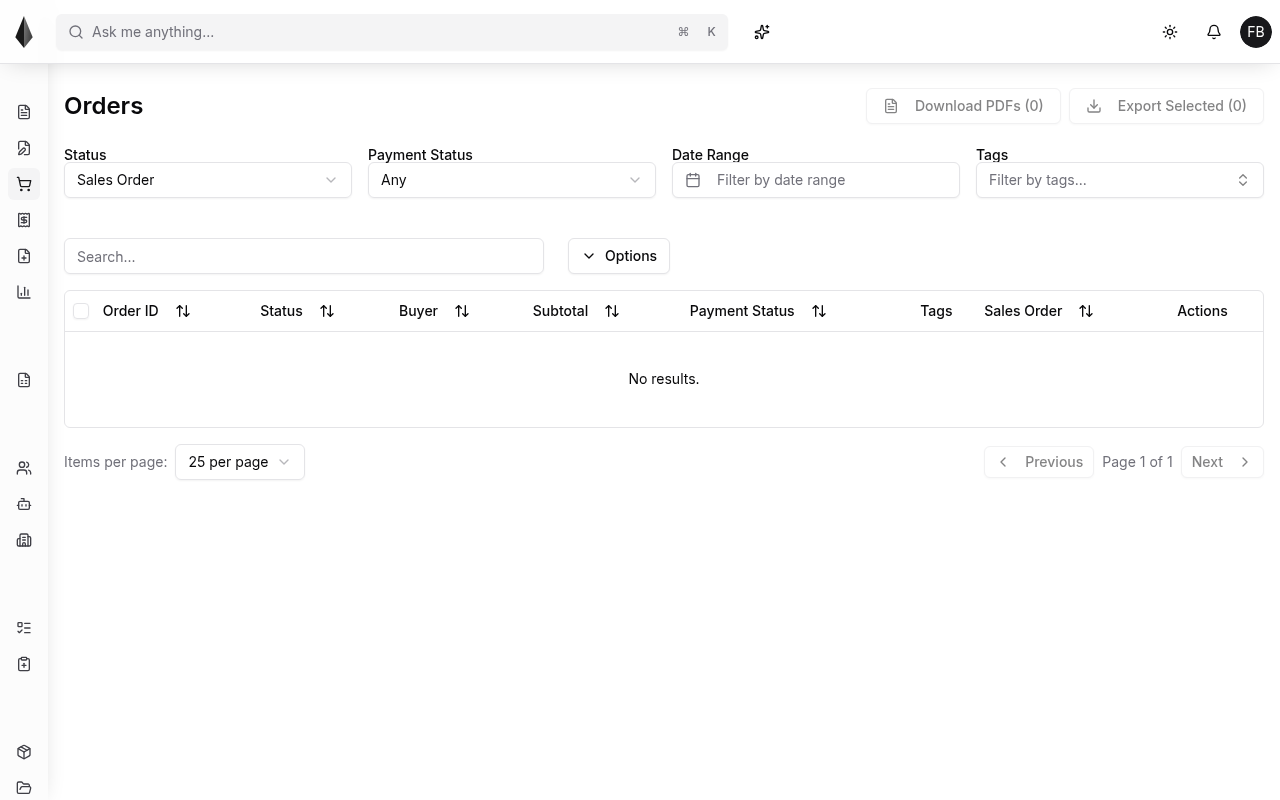
Sales orders
Set status to Sales Order to list sales orders.
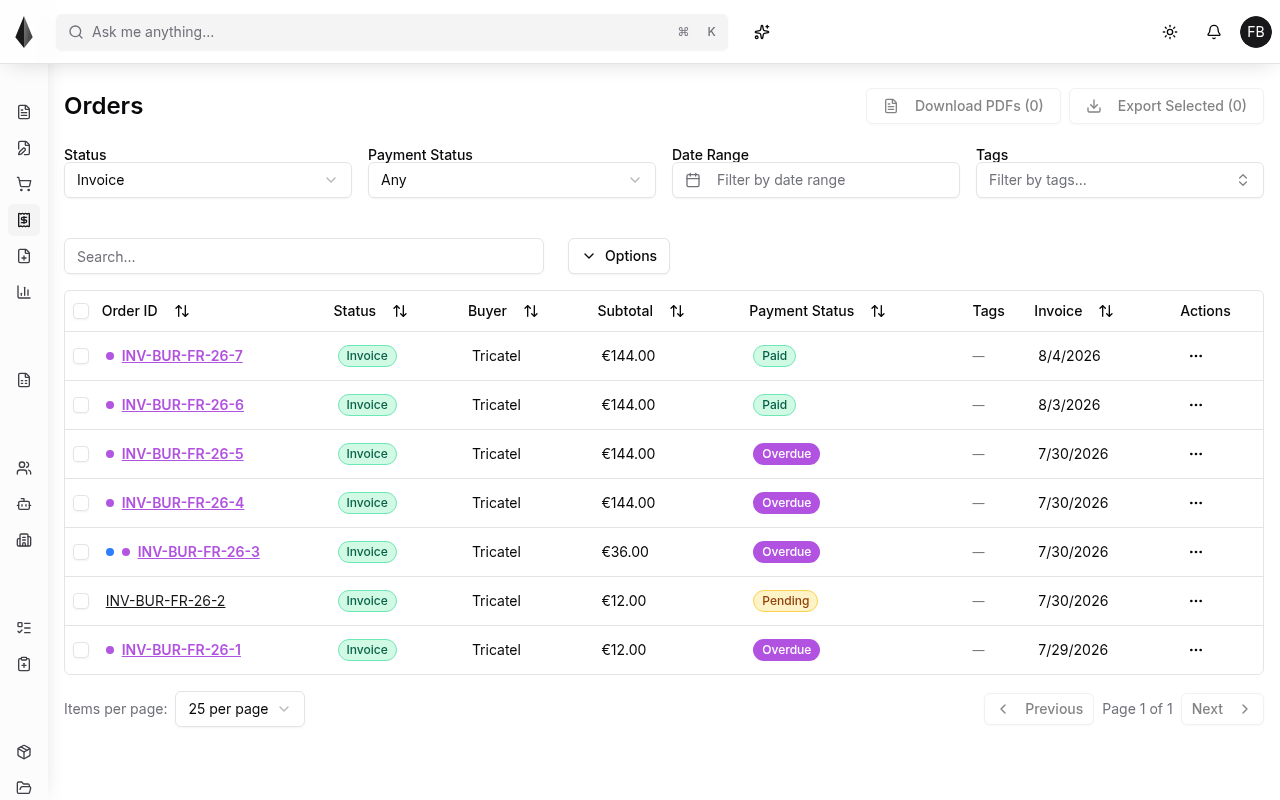
Invoices
Set status to Invoice to list invoices. Payment status badges (for example Paid, Pending, Overdue) help you see what still needs attention.
Other statuses may appear in the same list (for example Proforma, Advance Invoice, Canceled), depending on how documents move through your process.
Create an order
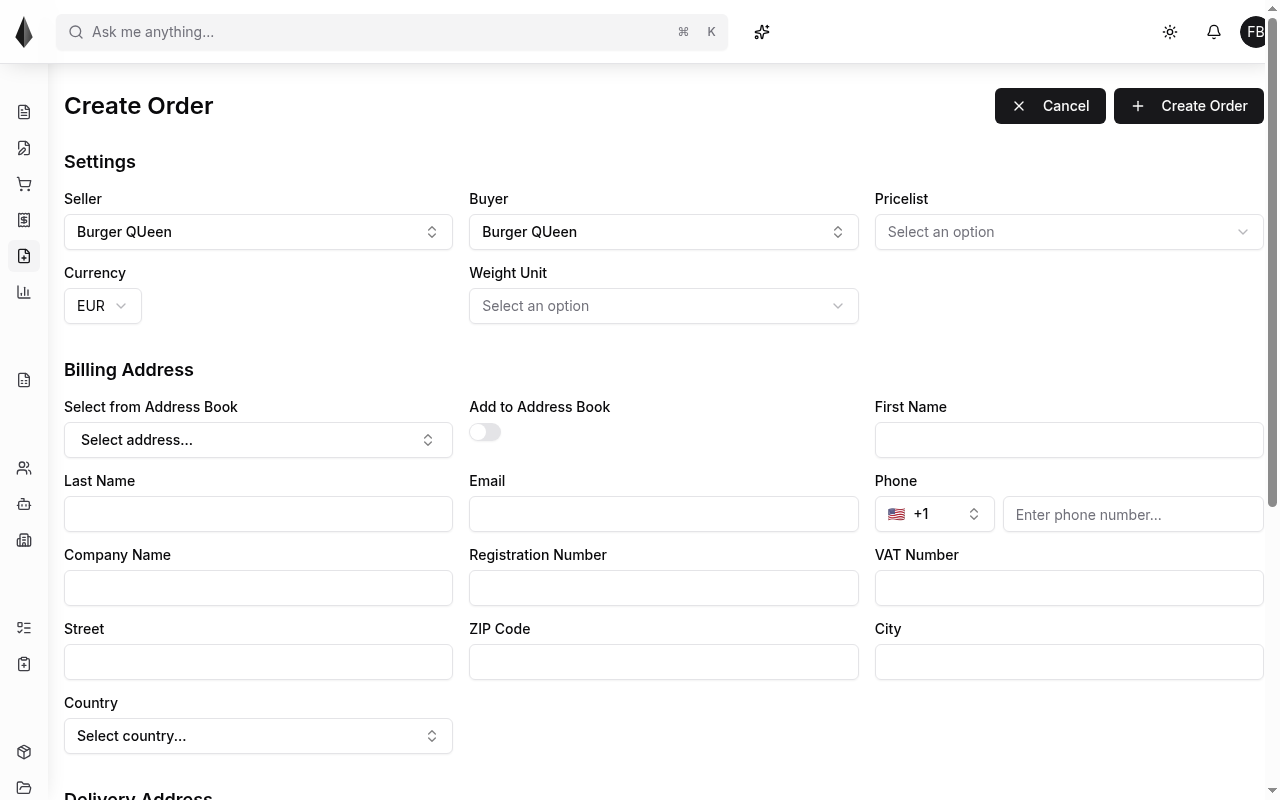
Use Create Order (or the equivalent new-order entry in the product) to start a document. Typical settings include seller, buyer, price list, currency, and weight unit, plus billing and delivery address fields.
Order detail
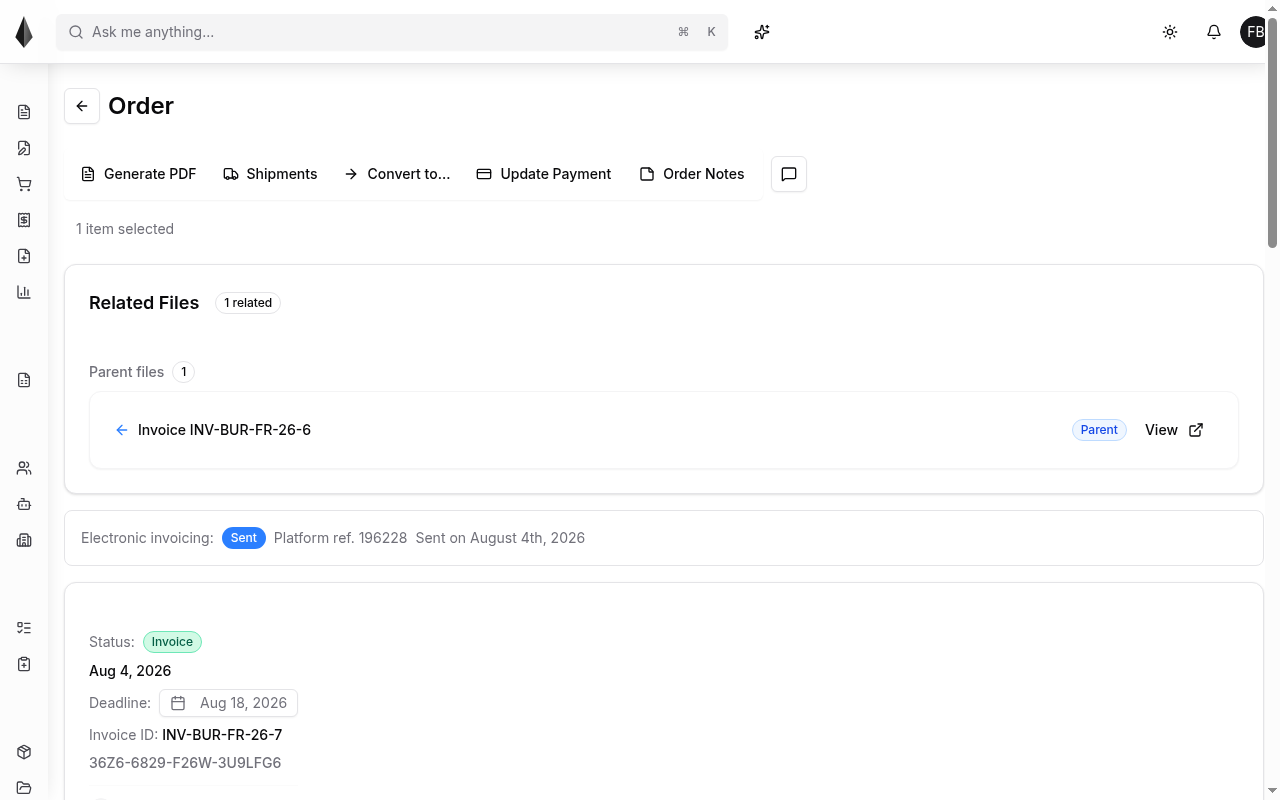
Open an order to work on it. Depending on state, actions can include generating a PDF, shipments, converting the document, updating payment, and opening order notes or comments. Related files (for example a parent invoice) appear when the document is linked in a chain. Electronic invoicing status shows when that flow is in use.
Inventory reservation is not covered here—that surface is not part of the current docs shot set.