Organizations
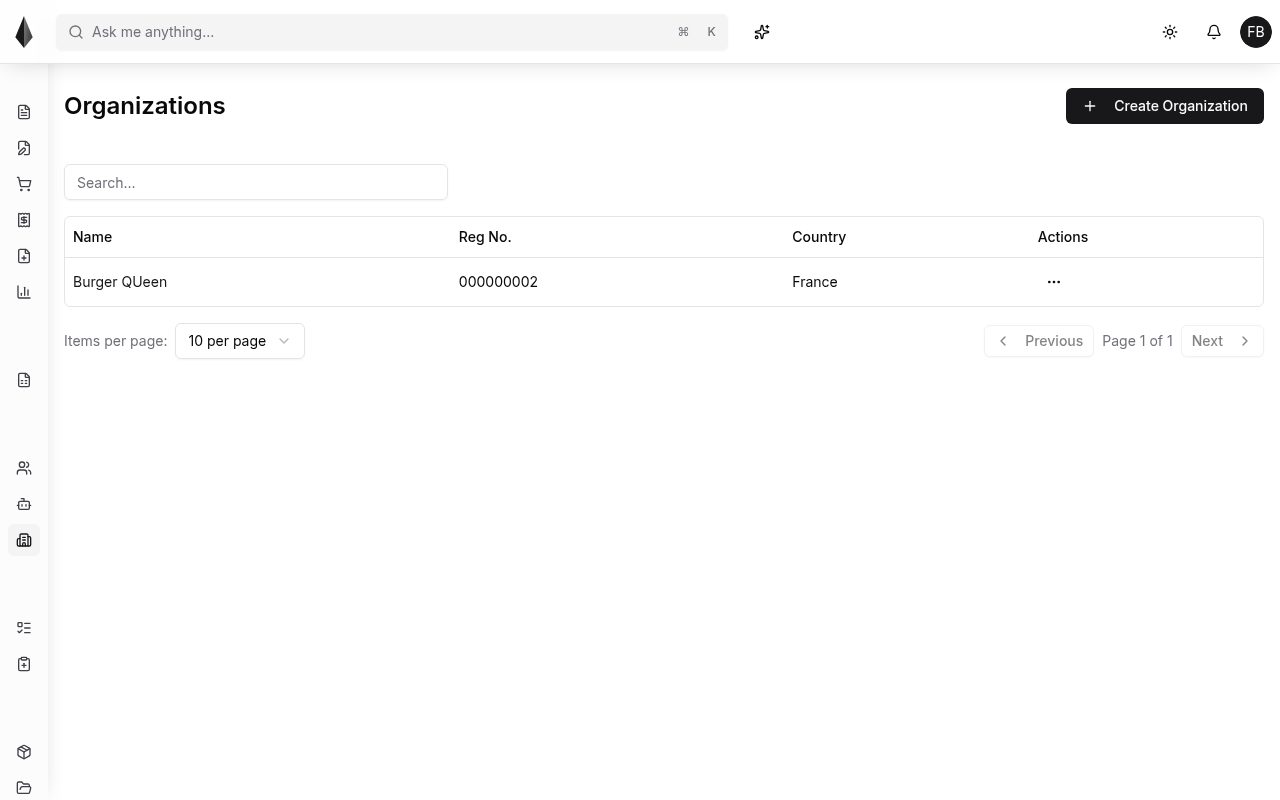
Organizations represent companies you work with in Rune (your own company and partners). Open the Users / Organizations area from the sidebar to manage them.
List organizations
The organizations list shows the companies in your tenant. Open a row to edit details.
Logo
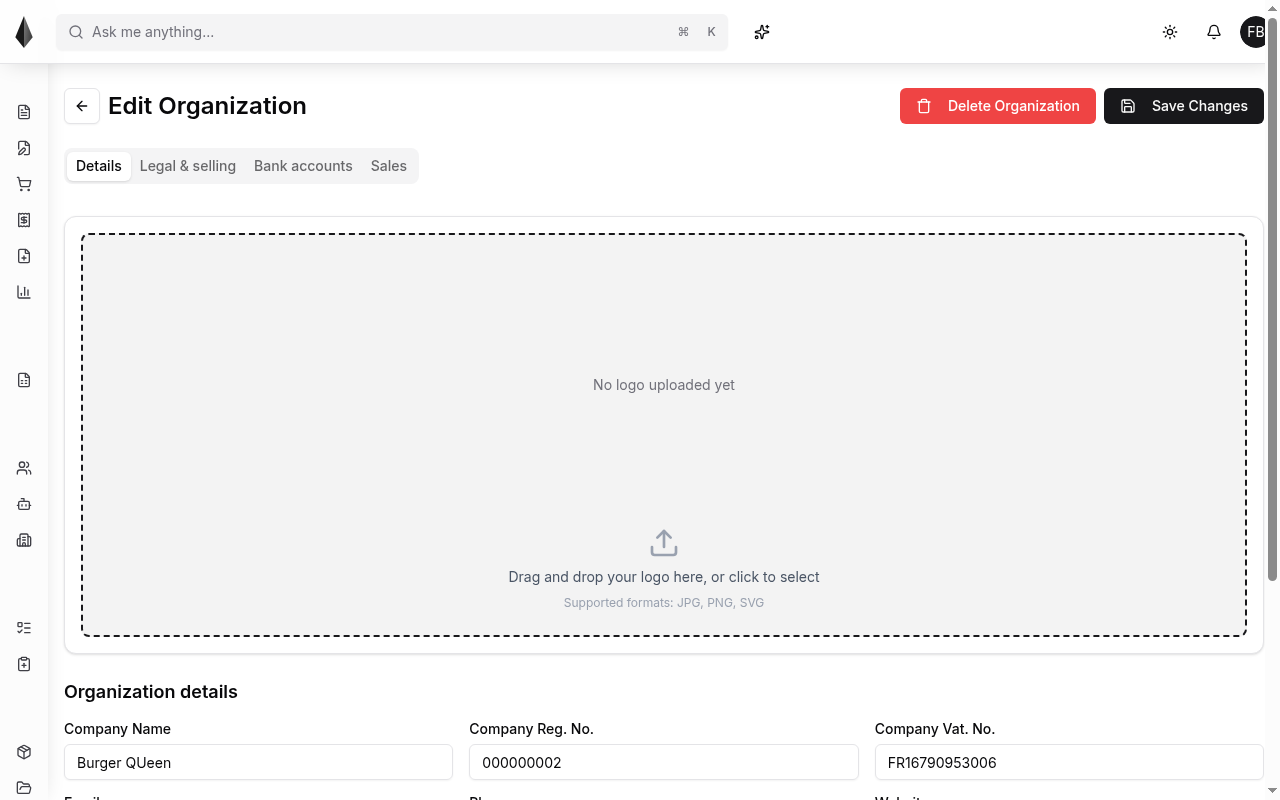
On the organization edit screen you can upload a company logo (for example for invoices).
- Accepted formats typically include PNG, SVG, and JPG
- Upload or drag-and-drop, then save
Bank accounts
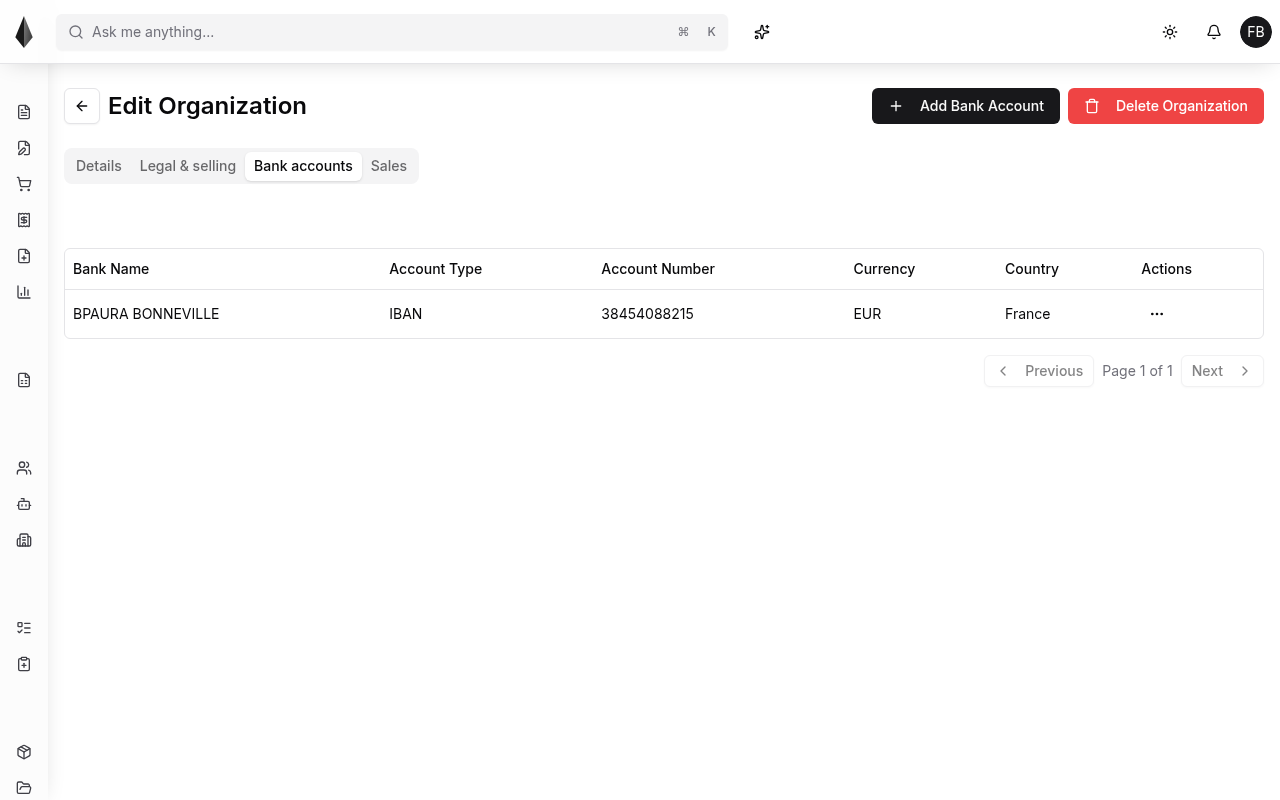
Each organization can store one or more bank accounts. Those accounts can appear on invoices so buyers know where to pay (for example by bank transfer).
If you need automation around which account is used in which situation, see [Rules](../4.Rules and policies/1.rules.md).